In competitive first-person shooters, your skill with a gun is just half the battle. The other half is how you move around the map. Good movement tech gives you a big advantage.
You can get to important spots faster than your opponents. You become harder to hit. It also makes it easier to line up your shots.
This smooth movement is all about game physics. Two key parts are acceleration and friction. Acceleration lets you speed up quickly when moving or jumping. Friction helps you stop and turn smoothly.
Games like CS2, built on the Source 2 engine, have updated these mechanics. Changes to air physics and jump timings create new rhythms to master. The subtick system further refines player control.
Understanding these basics is the first step to pro-level play. It turns clumsy movement into smooth, intentional actions. From basic strafes to advanced slide techniques, every trick builds on this foundation of momentum.
Master Techniques by Genre (CS/VAL, Apex/CoD, BRs)
Movement skills vary by game. Each FPS genre has its own rules. Learning the right techniques is key to success.
Let’s explore the main movement styles for popular genres. You’ll see how tactics change from precise duels to fast flanks.
Tactical Shooters: Counter-Strike 2 and VALORANT
In tactical games, precision is everything. Movement is about controlling fights, not just speed. The main skill is strafing.
Players tap A and D keys to peek corners while keeping their aim steady. Counter-strafing is also important. It lets you stop instantly to shoot with pinpoint accuracy.
For quick map travel, bunny hopping is used. It saves momentum between jumps. Games like CS2 also have Surf modes. These improve fluid movement and air control for competitive play.
Fast-Paced Arcade Shooters: Apex Legends and Call of Duty
In arcade games, movement is aggressive and evasive. Momentum is your ally. The slide cancel is a key trick.
It involves sprinting, then crouching to slide, and jumping out right away. This trick resets your sprint and makes you harder to hit. Players link slides and jumps to move fast across the map.
In Apex Legends, this is done with wall jumps and zip-line grapples. The goal is to move constantly and unpredictably. This lets you quickly change positions during fights.
Battle Royale Games: Fortnite, PUBG, and Warzone
BR maps are huge. Movement must balance moving around with being ready to fight. You master the flow between sprinting, sliding, and climbing.
Sliding down hills builds speed for a strong jump. Knowing when to walk quietly or sprint fast is important. Players also use vehicles and ziplines for big map movements.
The focus is on managing stamina and momentum over long distances. You aim to arrive at fights fully ready and with options.
| Genre | Primary Games | Key Movement Techniques | Main Goal |
|---|---|---|---|
| Tactical | CS2, VALORANT | Strafing, Counter-Strafing, Bunny Hop | Duel Accuracy & Efficient Rotations |
| Arcade | Apex Legends, Call of Duty | Slide Cancel, Slide Jump, Mantle | Aggressive Repositioning & Evasion |
| Battle Royale | Fortnite, Warzone, PUBG | Momentum Slides, Climbing, Vehicle Use | Map Traversal & Combat Readiness |
As you see, the right tools depend on the game. A great bunny hop wins in CS2. A smooth slide cancel is key in Apex. Practice the techniques that fit your favorite game’s style.
Peeking with Counter‑Strafe Timing
In high-stakes shooters, peeking is key. It’s not just looking around a corner. It’s a combat move to get info or duel safely.
Counter-strafing makes peeking precise. Strafing sideways with A or D keys builds momentum. To stop and shoot, you tap the opposite key quickly.
This stops your character instantly. You become a stable shooter in one frame. This skill is vital for games like CS2 and VALORANT.
Why not just release the key? Simple stopping has drift. This adds time to your stop and messes up your aim. Counter-strafing removes this drift.
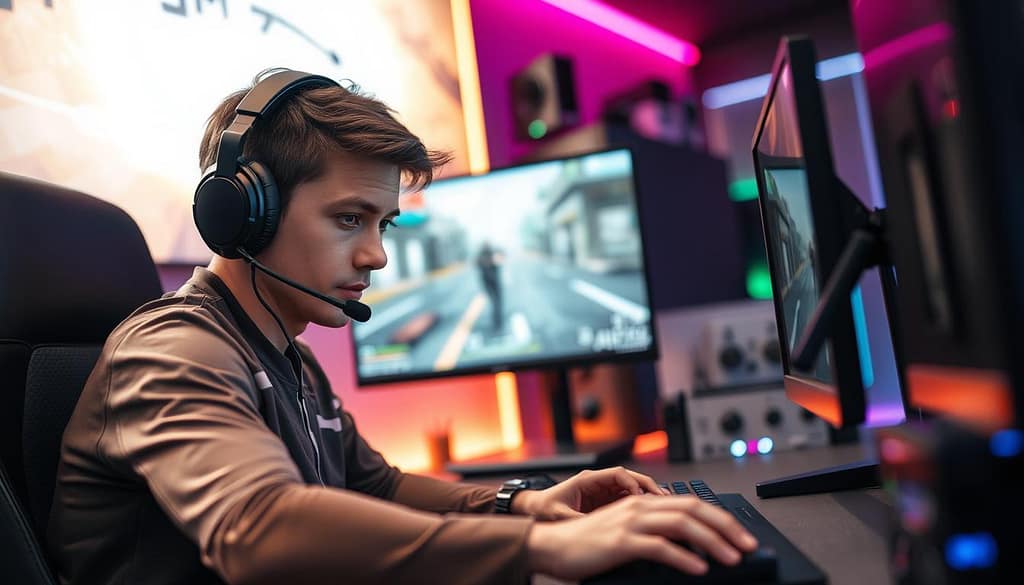
The timing is everything. Tap the opposite key just as you stop, then shoot. With practice, this becomes second nature. You aim to make the time between moving and shooting almost zero.
Use this with your peeks. For a “jiggle peek,” strafe out, counter-strafe, peek, then strafe back. For a “swing peek,” strafe long, counter-strafe, stop on the enemy, and duel. Good timing makes you harder to hit.
Modern games need quick adaptation. CS2’s subtick system makes timing even more critical. Your shot and counter-strafe can happen in the same frame. This rewards consistent timing. For more on this, read our guide on counter-strafing in Counter-Strike 2.
The table below shows why counter-strafing beats simple stopping for dueling:
| Aspect | Counter-Strafing | Simple Stopping (Releasing Key) |
|---|---|---|
| Stopping Time | Instant (0 ms slide) | Slow (50-100 ms slide) |
| Shot Accuracy | Pinpoint from first frame | Unreliable during momentum decay |
| Exposure Time | Minimized | Prolonged |
| Skill Requirement | High (requires practice) | Low (basic input) |
| Duel Win Probability | Significantly Higher | Lower |
To get better, start in a practice map. Strafe side-to-side, practicing counter-strafe stops. Then, add a bot or wall and practice stopping on target. Finish with drills against active bots.
This advanced movement tech turns strafing into a dueling power. It reduces your exposure and improves your aim. With perfect counter-strafe timing, you control the duel from the start.
Slide/Bhop Chains Safely
Advanced movement isn’t just about doing tricks. It’s about linking moves like slides and hops smoothly. This lets you move fast across maps and stay unpredictable. It’s what makes great players stand out.
To link a slide cancel with a bunny hop, timing is key. Press jump right when your slide ends. In games like Apex Legends, this keeps your speed up. Smooth mouse movements help you steer and keep moving fast.
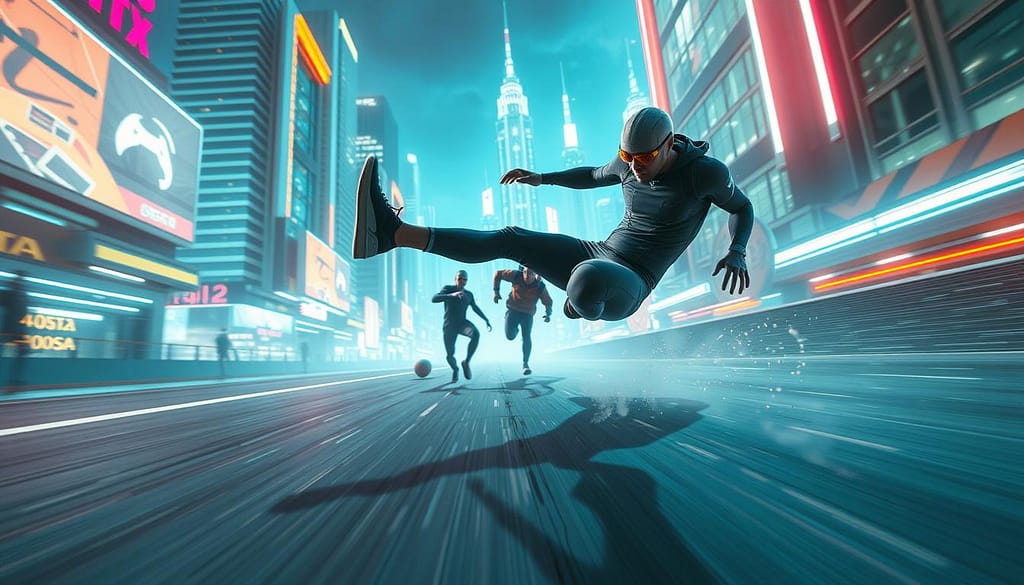
Getting good at chaining takes practice. CS2’s BHOP mode is perfect for this. It helps you learn the timing of jumps. The goal is to jump right as you land, without losing speed. This builds muscle memory for real games.
But safety is just as important. Fast movement is useless if you crash into something or get seen. A safe chain has three main parts:
- Manage Cooldowns: Understand your game’s rules. Some slides need a short wait before you can slide again. Rushing can mess up your flow.
- Avoid Patterns: Don’t always move in the same direction. Good players will guess this. Mix up your turns to be harder to hit.
- Know When to Stop: If you’re near a corner or open area, stop. Get control back, aim, and check the area. Speed shouldn’t mean losing position.
The “surf” community in CS teaches smooth transitions. This idea works for chaining slides and hops. Every move should flow into the next, like dots. Stopping and starting too much will get you caught.
Use the table below to check your chaining habits against safe practices.
| Practice | Safe Method | Unsafe Method | Result |
|---|---|---|---|
| Jump Timing | Jump at the peak/end of slide | Jumping too early or late | Maintains speed vs. loses all momentum |
| Mouse Movement | Smooth, consistent turns mid-air | Jerky, over-corrected flicks | Accurate steering vs. losing control |
| Chain Length | 3-4 hops then reset | Chaining endlessly into danger | Controlled aggression vs. predictable path |
| Environmental Awareness | Planning route around cover | Blindly hopping in open space | Protected movement vs. easy target |
Start with simple, flat BHOP maps. Focus on getting a steady rhythm first. Speed will come later. Listen to your jumps; a steady beat means you’re doing it right.
Remember, a bunny hop chain is a tool, not a default way to move. Use it for quick moves or to dodge fire. In close combat, a simple slide cancel might be safer. Mastering both the technique and its smart use is key to moving like a pro.
Controller vs. KB/M Inputs
The device you use affects how you do advanced moves like the bunny hop. Each has its own benefits and challenges. Your choice affects your movement, from smooth strafes to quick turns.
Keyboard and mouse give you detailed control for precise moves. Your mouse sensitivity is key for consistent play.
Pro players in games like CS2 use special settings for control. They often set DPI to 400 to 800 and in-game sensitivity to 1.5 to 2.5. They also turn off mouse acceleration for stable aiming.
Choosing the right key bindings is also important. Many players use a mouse wheel or a dedicated key for jump. This makes doing a bunny hop easier. Separate keys for each direction allow for quick, precise movements.
Controllers offer a different feel. The analog sticks let you control speed smoothly. You can walk, jog, or sprint by adjusting the stick.
Doing advanced tech on a controller needs practice. A slide cancel might involve pressing several buttons fast. Many players use paddles for extra buttons, making jumps or slides easy without moving your thumbs.
Doing a consistent bunny hop with a controller is tough. You need to perfectly center the stick between jumps. This is harder than keyboard tapping. Quick changes in direction are also slower because of the stick’s physical movement.
| Feature | Keyboard & Mouse | Controller |
|---|---|---|
| Movement Input | Digital (on/off keys) | Analog (variable stick tilt) |
| Best For | Precise strafing, instant direction changes | Smooth acceleration, fine speed control |
| Bunny Hop Execution | Easier with scroll wheel bind | Harder, requires precise stick timing |
| Learning Curve | Steep for aim, intuitive for movement keys | Gentler for basic movement, steep for advanced tech |
| Optimal Setup Tip | Low DPI, disabled acceleration, custom binds | Paddle attachments for jump/slide binds |
Your choice depends on your game and style. Keyboard and mouse are best for games needing precise aim and quick moves. Controllers are better for games needing smooth motion and analog control.
To get the most out of your movement, adjust your settings to your device. Try different sensitivities and binds until your bunny hops and slides feel natural. The best input is one that lets you move without thinking.
Skill Drills and Parkour Lines
Learning new skills takes focused drills. Platforms like xplay.gg have special modes for training. Start with Surf maps to get better at speed control and smooth turns.
Then, move to BHOP servers to improve your bunny hop timing and air strafing. Commands like !style and !replays help you practice. This practice builds muscle memory for keeping momentum.
Next, try KZ climbing maps for better jump accuracy and edge jumps. Use the !practice command to work on tough spots. Short, regular practice sessions help a lot.
Use your new skills on competitive maps. Create your own routes on maps like Dust II or Mirage. Practice sliding, jumping, and strafing to move faster. This training makes advanced movement a real in-game advantage.